
Wiz Solitaire
Stylish collection of more than 35 classic games
Hours of fun at your disposal
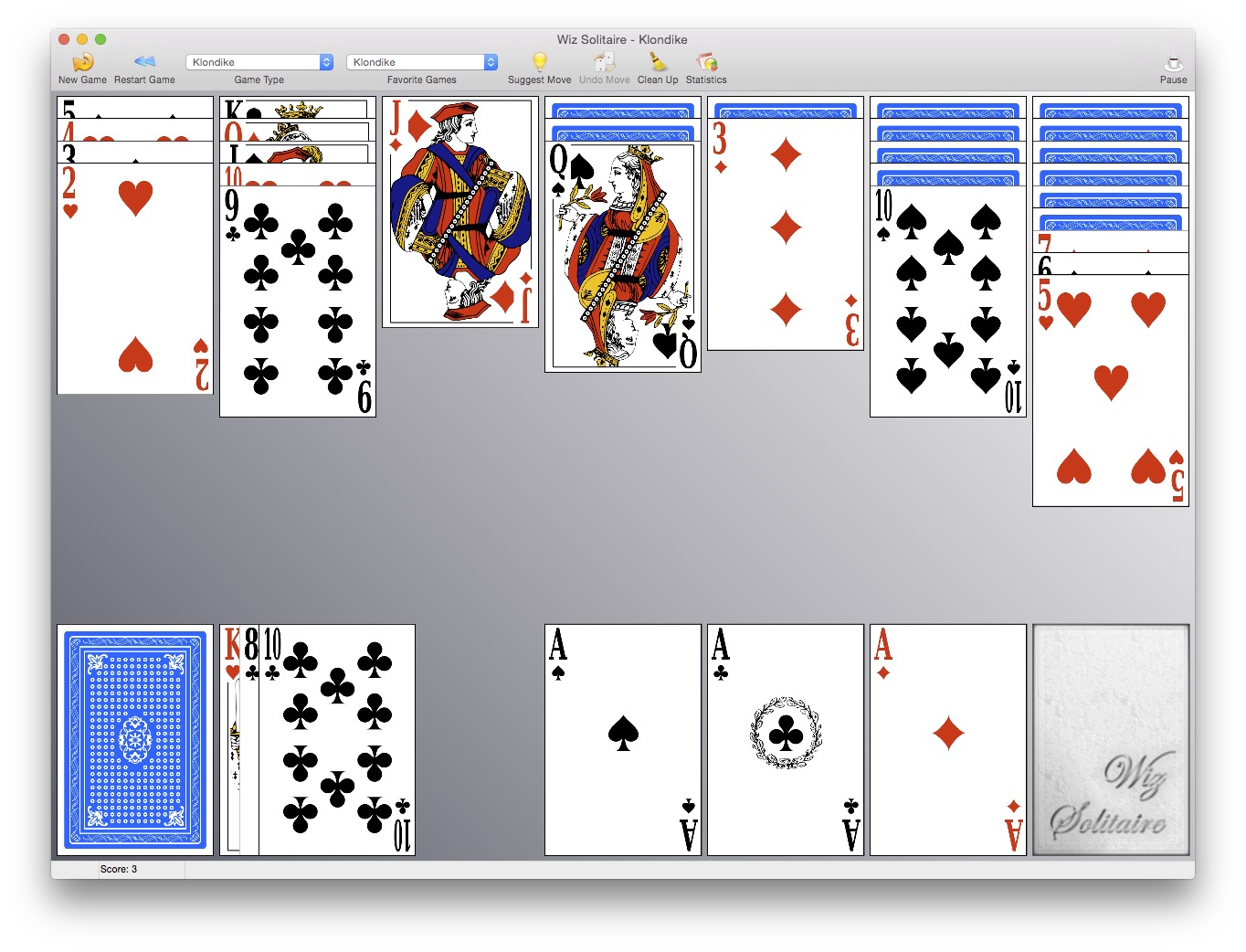


Lots of games to choose from
More than 40 types of solitaire are available, including: Agnes Bernauer, Agnes Sorel, Algerian, Australian Patience, Babette, Baker’s Dozen, Black Hole, Canfield, Casket, Chinese Solitaire, Crazy Quilt, Cruel, Diplomat, Eagle Wing, Forty Thieves, Free Cell, Gaps, Golf, Grandfather’s Clock, Josephine, Klondike, Labyrinth, La Belle Lucie, Monte Carlo, Mount Sunflower, Napoleon’s Tomb, Osmosis, Penguin, Putt Putt, Pyramid, Rouge et Noir, Royal Marriage, Royal Parade, Scorpion, Seahaven, Spider, St Helena, Streets, The Clock, The Fan, Trefoil, TriPeaks, Wasp, Windmill, Yukon

All the features you need
- Detailed statistics
- Unlimited undo
- “Suggest a move” function: useful when you’re stuck and/or you’re learning a new game
- Save games and resume them later
- Ships with both a hi resolution deck, ideal for Retina displays, and a lower resolution one, more suited for normal screens
- Resizable window: you can adapt the game to your screen resolution

Choose your decks
If you want to change the look of the cards, you can visit RekoNet, a third party site hosting thousands of decks. Other than its own format, Wiz Solitaire can load REKO (Type I, II, III) and RKP 8/16 decks too.